

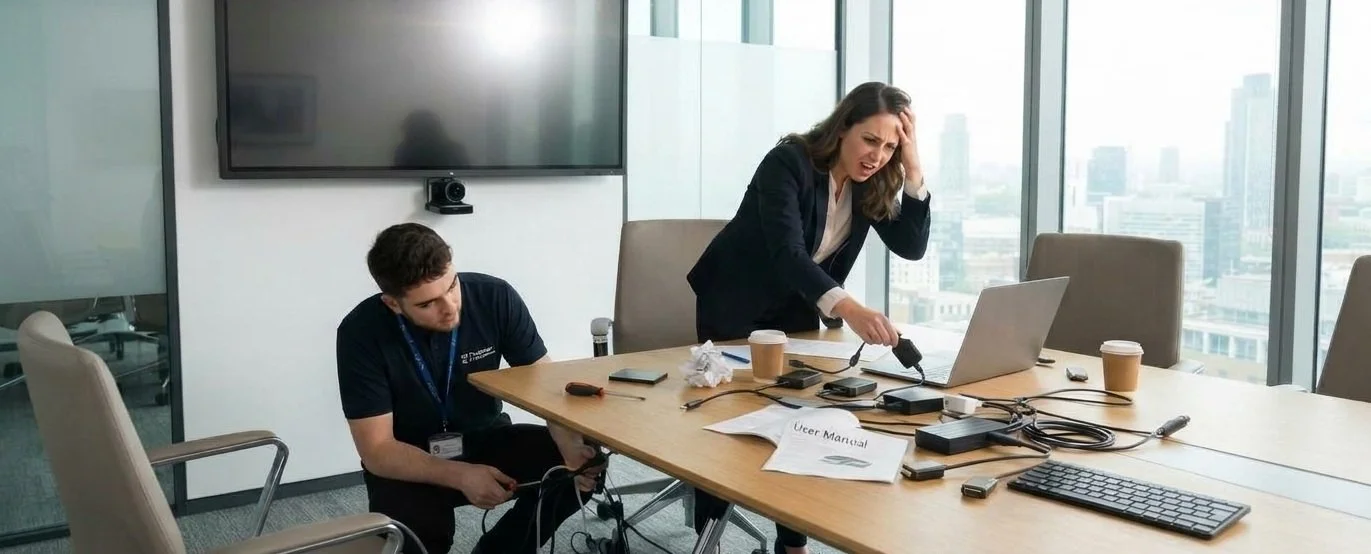
When meeting room technology breaks down, the fault rarely lies with the screens, cameras, or microphones themselves. Instead, most audiovisual (AV) failures stem from five upstream planning mistakes: poor room acoustics, unconfigured network switches, missing first-fix power containment, overly complex user interfaces, and omitted maintenance agreements.
Why Does Expensive Meeting Room Technology Still Fail?
Walk into almost any modern corporate boardroom or university lecture theatre five minutes before a major presentation, and you will witness a familiar ritual. Someone is frantically hunting for a missing HDMI adaptor, another person is trying to figure out why the wireless casting dongle refuses to connect to the guest Wi-Fi, and the IT manager is on annual leave.
When a video call drops or audio echoes, the hardware takes the blame. Yet, when organisations budget for audiovisual upgrades, the lion's share of the attention - and the pounds - usually goes toward top-tier displays, ceiling microphones, and video conferencing bars. Industry post-mortems consistently show that hardware is rarely the weak link; reliability is won or lost during the architectural, electrical, and IT planning stages.
If your meeting spaces suffer from garbled audio, blank screens, or constant user frustration, the root cause is almost certainly one of these five pre-installation oversights:
1. Treating AV as an Afterthought in Room Design
How do room acoustics and lighting affect AV performance?
Room architecture directly dictates microphone clarity and screen visibility. Bringing an AV integrator onto a refurbishment or new-build project after architects and interior designers have finalised the plans often results in glass-walled rooms with hard surfaces and zero acoustic dampening.
Acoustic reverberation: Spending £20,000 on beamforming ceiling microphones will not overcome the acoustic profile of a room with polished concrete floors and exposed ceilings. Without acoustic panels or soft furnishings, remote participants hear an echoing, garbled signal.
Ambient light glare: Positioning a primary display opposite a floor-to-ceiling window allows afternoon sunlight to wash out the image, regardless of the screen's brightness (nit) rating.
Sightline obstructions: Architectural pillars, low bulkheads, or oversized boardroom tables can block camera angles and obscure lower screen edges for seated attendees.
2. Neglecting the Network Infrastructure
Why does AV-over-IP require early IT involvement?
Modern commercial AV relies on sending audio, video, and control signals over the corporate data network (AV-over-IP) rather than dedicated point-to-point copper cables. Treating an AV rollout as a standalone facilities purchase rather than a core IT deployment leads to severe network bottlenecks.
Multicast traffic congestion: Unconfigured network switches can flood local subnets with video packets, causing severe latency or crashing non-AV devices.
Power over Ethernet (PoE) deficits: High-draw devices such as pan-tilt-zoom (PTZ) cameras, touch panels, and networked speakers will randomly reboot or drop offline if switch PoE budgets are miscalculated.
Security and VLAN isolation: Bringing IT and facilities teams together at least a fortnight before procurement ensures proper VLAN segmentation, firewall rules, and device authentication are established early.
3. Ignoring Power and Cable Containment Basics
What electrical preparation does a commercial display require?
Inadequate electrical first-fix work and missing cable pathways are leading causes of commissioning delays and safety hazards. Standard domestic electrical layouts rarely accommodate commercial mounting tolerances.
Flush-mounting obstructions: Installing standard UK 13A double sockets directly behind a wall-mounted display leaves insufficient clearance for bulky moulded plugs, preventing the bracket from sitting flush.
Unprotected cabling: When containment is omitted, installers are forced to retrofit exposed trunking or run cables across walkways, creating trip hazards and risking pinched wires under furniture.
Commercial compliance: Proper floor boxes and structured containment allow engineers to pull shielded, fire-rated commercial cabling (such as LSZH - Low Smoke Zero Halogen) rather than relying on fragile consumer-grade leads.
4. Over-Engineering the User Interface
How should meeting room AV controls be designed?
An effective AV control system requires zero user training and initiates a presentation within ten seconds. A common pitfall in commercial integration is programming custom touch panels with dozens of sub-menus, obscure signal routing matrices, and complex lighting presets.
User friction: When a director walks into a boardroom for a 09:00 client pitch, navigating four layers of a user interface just to share a spreadsheet causes immediate frustration.
Hardware tampering: If a system feels overly complicated, users inevitably bypass the control panel, unplug cables from the rack or display to connect directly to their laptops, and leave the room misconfigured for the next meeting.
Automated workflows: Occupancy sensors, automatic wake-on-signal switching, and one-touch meeting join buttons eliminate manual guesswork.
5. Forgetting Ongoing Maintenance and Lifecycle Costs
What should be included in a commercial AV budget?
A realistic AV budget accounts for total cost of ownership (TCO) over a three-to-five-year lifecycle, rather than just upfront capital expenditure (CapEx) and VAT. Commercial AV hardware consists of networked computers that require continuous software upkeep.
Firmware and security patches: Video conferencing codecs, DSPs, and touch panels require regular firmware updates to remain compatible with evolving platforms such as Microsoft Teams and Zoom.
Proactive fault resolution: Without a formal Service Level Agreement (SLA) and remote monitoring tools in place from handover day, minor hardware glitches go unreported until a critical component fails during an all-hands meeting.
Predictable budgeting: Bundling a multi-year preventative maintenance and support contract into the initial business case protects the organisation against unexpected call-out fees and emergency replacement invoices.
Planning an office refurbishment or AV upgrade?
Do not leave your meeting room reliability to chance. Speak with our UK engineering team before your electrical first-fix begins. Book a FREE pre-installation AV consultation today to ensure your acoustics, network infrastructure, and room layouts are built to perform from day one.
Frequently Asked Questions
Why does my brand-new meeting room AV keep failing?
In most cases, recurring glitches in new meeting spaces are caused by unconfigured network switches, poor room acoustics, or overly complex control interfaces rather than defective screens or microphones.
When should an AV integrator be brought into an office refurbishment?
An AV integrator should be appointed during RIBA Stage 2 or 3 (Concept and Spatial Coordination), alongside the architect and M&E (Mechanical and Electrical) consultants, before walls are closed or electrical first-fix begins.
How can businesses make meeting room technology easier to use?
Standardising the user interface across every room in the building, enabling automatic wake-on-plug-in display switching, and limiting touch panel controls to essential functions (volume, camera mute, and call join) drastically reduce user support tickets.
Why does my video conferencing audio sound echoey even with expensive microphones?
Beamforming microphones capture sound waves accurately, including sound bouncing off glass partitions, plastered walls, and hard flooring. Adding Class A acoustic wall panels, ceiling baffles, or soft furnishings absorbs reverberation before it reaches the microphone array.
What is AV-over-IP and why does it affect our corporate network?
AV-over-IP transmits audio and video signals as data packets over standard Ethernet cables rather than dedicated HDMI or SDI wiring. Because uncompressed or lightly compressed video consumes high bandwidth and uses multicast routing, IT teams must configure dedicated VLANs and IGMP snooping to prevent network congestion.
How much should a UK business budget for ongoing AV maintenance?
As a general rule, organisations should allocate 10% to 15% of the initial hardware capital cost (excluding VAT) per year for a comprehensive Service Level Agreement covering remote monitoring, preventative maintenance visits, firmware management, and rapid on-site engineer call-outs.
Why do wireless presentation dongles frequently disconnect during meetings? Wireless casting systems rely heavily on clean Wi-Fi spectrum and straightforward network routing. Dropouts typically happen when devices are placed on isolated guest Wi-Fi networks with client isolation enabled, or when congested 2.4GHz and 5GHz channels cause packet loss.
What electrical sockets and containment are needed behind a commercial screen?
Commercial displays require recessed power outlets (such as flush-mounted UK 13A sockets or fused spurs) installed inside the mounting bracket footprint, paired with at least two 50mm conduit paths running from the display position down to the floor box or AV rack.
How long does commercial meeting room AV hardware last before needing replacement?
Most commercial displays, DSPs, and control processors have a reliable operational lifespan of five to seven years, provided they receive regular firmware updates and dust-free ventilation. Unified Communications (UC) compute units and cameras typically follow a shorter three-to-five-year refresh cycle to keep pace with Microsoft Teams and Zoom software updates.
Should we choose a bespoke AV control system or an out-of-the-box room system?
For standard huddle spaces and medium-sized meeting rooms, standardised out-of-the-box platforms (such as Microsoft Teams Rooms or Zoom Rooms) offer lower upfront costs, familiar interfaces, and simpler maintenance. Bespoke control programming should be reserved for divisible spaces, town hall areas, or executive boardrooms requiring custom lighting, blind, and multi-camera integration.