

10 warning signs your AV equipment is outdated – and when you should upgrade
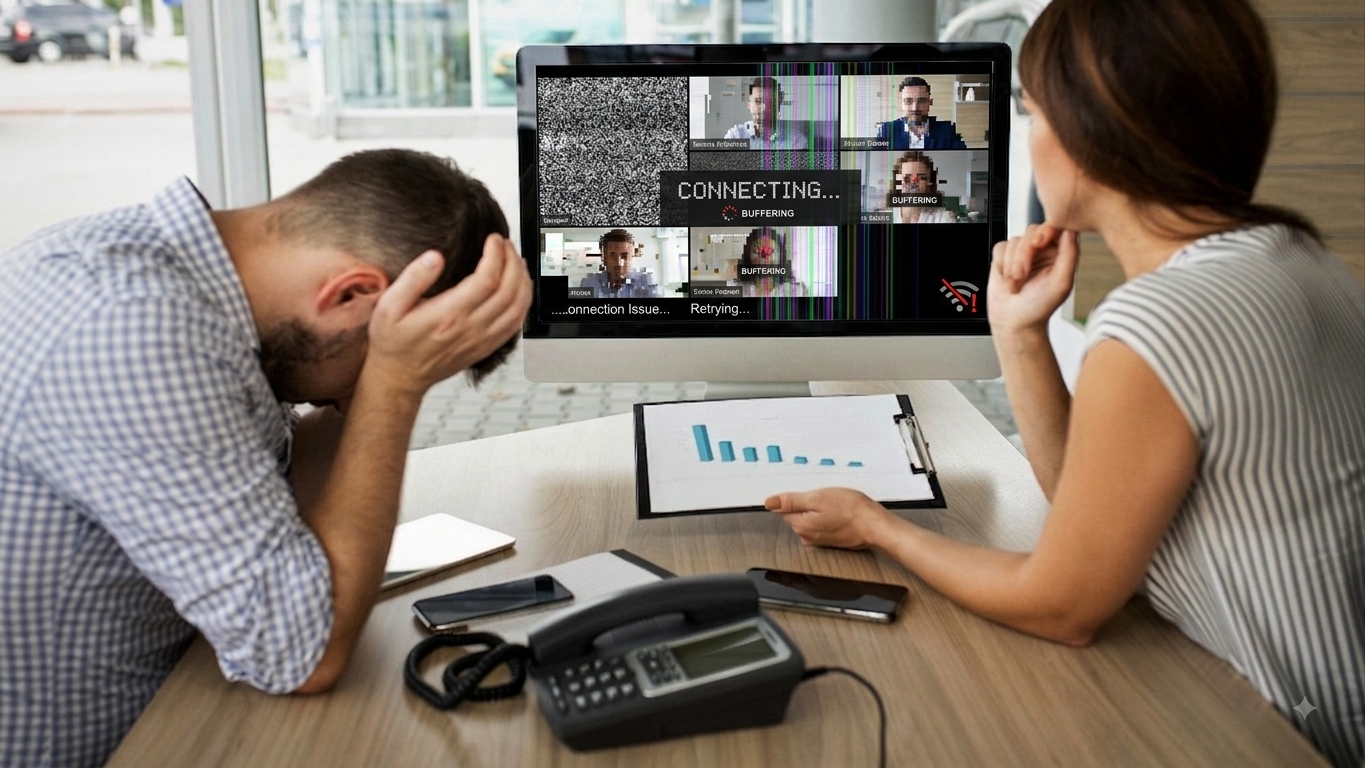
How do you know if your AV equipment is outdated?
The clearest signs of outdated AV equipment are frequent technical problems, poor audio or video quality, compatibility issues, unsupported hardware, increasing repair costs and equipment that no longer meets the needs of your workplace.
Your AV equipment does not necessarily have to stop working before it becomes outdated. In many cases, an ageing AV system continues to function but becomes increasingly difficult to use, unreliable or incompatible with newer technology.
If meetings regularly start late because people cannot connect, remote participants struggle to hear or see colleagues, or your team relies on a collection of cables and adapters, your AV system may need an upgrade.
Here are 10 signs your AV equipment could be going out of date.
1. Your meetings regularly start with technical problems
If your meetings frequently lose time because people cannot connect, select the correct input or get the microphone and camera working, your AV equipment may be outdated.
A modern meeting room should make it easy to start a meeting, share content and communicate with remote participants.
If employees need to remember a complicated sequence of buttons, cables or settings every time they enter the room, the technology is creating friction rather than solving a problem.
A well-designed meeting room should provide:
Simple meeting controls
Reliable connectivity
Clear audio
High-quality video
Straightforward content sharing
Consistent performance between meetings
AV2000 designs and installs bespoke AV systems for corporate environments, including meeting rooms, conference rooms, boardrooms and other collaborative spaces.
2. Your video conferencing quality is poor
Poor video quality, unclear audio, unreliable microphones or cameras that do not properly capture everyone in the room are strong signs that your conferencing equipment needs reviewing.
Hybrid meetings depend on both physical and remote participants being able to see and hear one another clearly.
A modern hybrid meeting room typically needs appropriate cameras, microphones, speakers, displays, lighting and room acoustics. AV2000 highlights these elements as important considerations when designing hybrid meeting spaces.
If remote colleagues regularly say:
“We can't hear you.”
“Your microphone keeps cutting out.”
“The picture is blurry.”
“Can you move closer to the camera?”
“We can't see the presentation.”
then your AV system may no longer be delivering the required experience.
3. Your equipment is no longer compatible with newer technology
Compatibility problems are a common indication that AV equipment is reaching the end of its useful life.
AV systems increasingly rely on software, firmware and integration with laptops and conferencing platforms. Older equipment may not work reliably with newer operating systems, meeting platforms or peripherals.
For example, outdated firmware can contribute to compatibility problems, reduced functionality and performance issues. AV2000's support service includes firmware updates and system optimisation to help keep supported systems stable and up to date.
What happens when AV equipment becomes incompatible?
You may experience:
Devices failing to connect.
Features becoming unavailable.
Software updates causing unexpected problems.
Employees needing workarounds.
Increased reliance on IT support.
If compatibility problems are becoming routine, an AV assessment can help determine whether updating, replacing or redesigning parts of the system is the best option.
4. Your AV system is generating too many IT support requests
If your IT team is regularly asked to fix microphones, displays, cables, cameras or meeting-room controls, your AV system may be costing your organisation more time than it should.
An unreliable AV system does not just create technical problems. It can result in:
Lost meeting time
Delayed presentations
Frustrated employees
Increased IT workload
Disrupted client meetings
Lower productivity
AV2000 specifically offers AV service support designed to reduce downtime and reliance on internal IT teams. Its support contracts can cover individual meeting rooms as well as larger AV estates.
A useful question to ask is: how much time does your organisation spend fixing its AV system each month?
If the answer is significant, upgrading or professionally maintaining the system may be more cost-effective than repeatedly fixing individual problems.
5. You need a collection of cables and adapters just to present
If employees need multiple adapters, dongles and cables to connect a laptop to the meeting-room display, your AV system may not be keeping pace with modern working practices.
Cables are not inherently a problem. The warning sign is when connecting a device becomes unnecessarily complicated or different rooms require completely different connection methods.
Wireless presentation technology can make it easier for users to share content without searching for the correct cable or adapter.
AV2000 provides wireless presentation solutions, including ClickShare technology, designed to support simpler collaboration and hybrid meetings.
6. Your displays are no longer suitable for the room
If people struggle to read presentations, see remote participants or view detailed content, your display technology may be outdated or incorrectly specified for the space.
The age of a screen is not the only consideration. A display can be relatively new but still unsuitable for a particular room.
When assessing a display, consider:
Screen size
Viewing distance
Room layout
Ambient lighting
Resolution
Content being displayed
Number of participants
Whether remote participants need to be shown alongside presentations
AV2000 supplies and integrates technologies including interactive touchscreens, LED screens, displays, projection systems and video walls.
The right display is the one that suits the room and how people use it, rather than simply the largest or newest screen available.
7. Employees avoid using your meeting-room technology
If employees actively avoid certain meeting rooms because the technology is difficult to operate, your AV system is not providing a good user experience.
This is an important sign because technical specifications do not tell the whole story.
A room might have excellent cameras, microphones and displays, but if employees cannot confidently start a meeting or share content, the investment is not delivering its full value.
Modern meeting-room systems can simplify common tasks such as:
Starting a meeting
Joining a video call
Sharing content
Controlling room technology
Managing cameras and microphones
AV2000 designs systems around the required user experience, from initial assessment and planning through to installation and support.
8. Your AV equipment is no longer supported
If a manufacturer has ended support for an important component, it may be time to consider replacing it before it fails.
Unsupported equipment can become increasingly difficult to maintain. Replacement parts may be harder to obtain, software updates may stop and compatibility with newer technology can become more problematic.
This creates a particular risk when the equipment is critical to an important meeting room or business process.
Should you replace unsupported AV equipment immediately? Not necessarily. The best approach is to assess the equipment's condition, reliability, compatibility and importance to your organisation. A professional AV assessment can determine whether you should:
Continue using the equipment.
Update or reconfigure it.
Replace individual components.
Upgrade the entire system.
AV2000 offers a free AV Health Check, providing a condition report, recommendations for preventative action and suggestions to improve user experience and system longevity.
9. Your AV system no longer supports the way your organisation works
If your organisation has adopted hybrid working, Microsoft Teams, wireless presentation or more collaborative meeting formats but your AV system was designed for a different way of working, it may be time to upgrade.
Your technology requirements can change faster than your hardware.
For example, a meeting room originally designed for face-to-face presentations may now need to support:
Hybrid meetings
Microsoft Teams Rooms
Remote participants
Wireless content sharing
Room booking
Interactive collaboration
Digital signage
Multiple displays
AV2000 works with corporate environments to provide solutions including video conferencing, interactive touch technology, digital signage, room control, room booking, wireless presentation and video walls.
Your AV system should reflect how your organisation works today – not how it worked when the equipment was installed.
10. Repairing your AV equipment is becoming more expensive
If you are repeatedly paying for repairs, replacement components and technical support, upgrading your AV system may be more economical than continuing to maintain ageing equipment.
There is no universal age at which every AV system should be replaced.
Instead, consider the total cost of ownership. Ask:
How often does the equipment fail?
How much does each repair cost?
Are replacement parts still available?
Is the equipment compatible with current technology?
How much staff time is being lost?
Does the system provide the functionality your organisation now needs?
Would upgrading improve reliability and usability?
A targeted upgrade may be enough. In other situations, replacing the entire system could provide better long-term value.
AV2000 takes a consultative approach, assessing requirements before recommending an AV solution rather than simply replacing equipment for the sake of it.
When should you upgrade your AV equipment?
You should consider upgrading your AV equipment when reliability, compatibility, usability or performance are affecting productivity – particularly if repairs and technical support are becoming frequent or expensive. There is no single replacement age that applies to every AV system.
The right time to upgrade depends on:
Equipment condition
Manufacturer support
Reliability
Compatibility
User experience
Business requirements
Cost of ongoing maintenance
Future technology requirements
A professional assessment is often the best starting point.
Should you repair or replace outdated AV equipment?
Repairing AV equipment can make sense when the problem is isolated and the rest of the system remains reliable and compatible. Replacing equipment is more appropriate when failures are recurring, components are unsupported or the system no longer meets your organisation's needs.
A simple way to approach the decision is:
Likely approach
One isolated component has failed
Repair or replace the component
Equipment is reliable but needs updating
Consider upgrades or optimisation
Firmware is outdated
Update where supported
Several components are failing
Consider a wider system review
Equipment is unsupported
Plan replacement
Users regularly struggle with the system
Review the user experience
AV no longer supports hybrid working
Consider a modern meeting-room solution
Repairs are becoming frequent and expensive
Compare repair costs with replacement
The important point is that “outdated” does not automatically mean “replace everything”.
A professional AV assessment can identify where investment will have the greatest impact.
How can an AV health check help?
An AV health check identifies potential reliability, performance and usability problems in your existing AV system and can help you decide what should be maintained, upgraded or replaced.
AV2000 offers a free Audio Visual Health Check. According to AV2000, its engineers assess the current setup and provide:
A condition report
Recommendations for preventative action
Suggestions to improve user experience
Recommendations to improve system longevity
This can provide a clearer picture of the condition of an AV estate before an organisation commits to a major upgrade.
How do you future-proof an AV system?
The best way to future-proof an AV system is to design around your organisation's current and expected requirements, use appropriate supported technology, prioritise integration and plan for ongoing maintenance and upgrades.
Future-proofing does not mean buying the most expensive equipment available. Instead, consider:
Scalability – Can the system adapt as your organisation grows?
Compatibility – Will it work with the platforms and devices your teams use?
Ease of use – Can employees operate it without specialist knowledge?
Integration – Can cameras, microphones, displays and controls work together?
Support – Can the system be maintained and updated?
Flexibility – Can the room support different meeting formats?
Reliability – Can the system deliver consistent performance?
AV2000 works with technology partners including Yealink, Logitech, Crestron, LG, Samsung, Poly, Cisco and Lenovo to design bespoke AV systems around individual requirements. The company has around 30 years of industry experience.
Why choose AV2000 for an AV system upgrade?
AV2000 provides AV consultancy, design, installation, equipment and ongoing support, helping organisations assess existing systems and develop reliable, future-ready AV solutions.
Based in Leeds, AV2000 works with corporate organisations and other sectors to deliver professional audio visual systems.
Services include:
AV consultancy
AV design and planning
AV installation
Meeting-room technology
Microsoft Teams Rooms
Hybrid meeting rooms
Wireless presentation
Digital signage
Interactive displays
Video walls
AV equipment
Ongoing AV support and maintenance
AV2000 has three decades of hands-on industry experience and provides solutions from initial assessment and recommendation through to design, installation, support and maintenance.
Final answer: is your AV equipment going out of date?
If your AV equipment is unreliable, difficult to use, incompatible with modern technology, poorly suited to hybrid working or increasingly expensive to maintain, it is worth having the system assessed.
You do not necessarily need to replace everything.
The first step is to understand what is causing the problems, which equipment is still fit for purpose and where an upgrade would deliver the greatest benefit.
For organisations in Yorkshire and across the UK, AV2000 can assess existing AV systems and recommend practical improvements, upgrades or new installations.
If you are unsure whether your AV equipment needs replacing, start with a free AV Health Check rather than waiting for a critical failure.
Book a free AV Health Check with AV2000
Frequently Asked Questions
How often should AV equipment be replaced?
AV equipment should be reviewed regularly rather than replaced according to a fixed timetable. Reliability, manufacturer support, compatibility, performance and changing business requirements are more useful indicators than age alone.
What are the main signs of outdated AV equipment?
The main signs are frequent technical failures, poor audio or video quality, compatibility problems, unsupported equipment, difficult-to-use controls, excessive IT support requests and rising repair costs.
Is old AV equipment always outdated?
No. Older equipment can remain perfectly suitable if it is reliable, supported, compatible with current technology and capable of meeting the organisation's requirements.
How much does an AV system upgrade cost?
The cost of an AV upgrade depends on the room, equipment, integration requirements, installation and level of functionality required. A professional assessment can help identify the most appropriate scope before investment is made.
Can an existing meeting room be upgraded without replacing everything?
Yes. Depending on the condition of the system, individual components can sometimes be upgraded or integrated with newer technology rather than replacing the entire installation.
What AV equipment is needed for a hybrid meeting room?
A typical hybrid meeting room needs suitable cameras, microphones, speakers, displays, connectivity and meeting-room software, with the exact specification depending on the room size, acoustics, layout and meeting requirements.
What is an AV Health Check?
An AV Health Check is an assessment of an existing audio visual system to identify performance or reliability issues and recommend preventative action or improvements. AV2000 provides a free AV Health Check that includes a condition report and recommendations intended to improve user experience and system longevity.
How can I tell whether I should repair or replace my AV system?
Repair is usually worth considering when the problem is isolated and the wider system remains reliable. Replacement becomes more compelling when failures are recurring, equipment is unsupported, compatibility is poor or the system no longer meets business requirements.