

Top 10 audio visual standards every corporate office should adopt
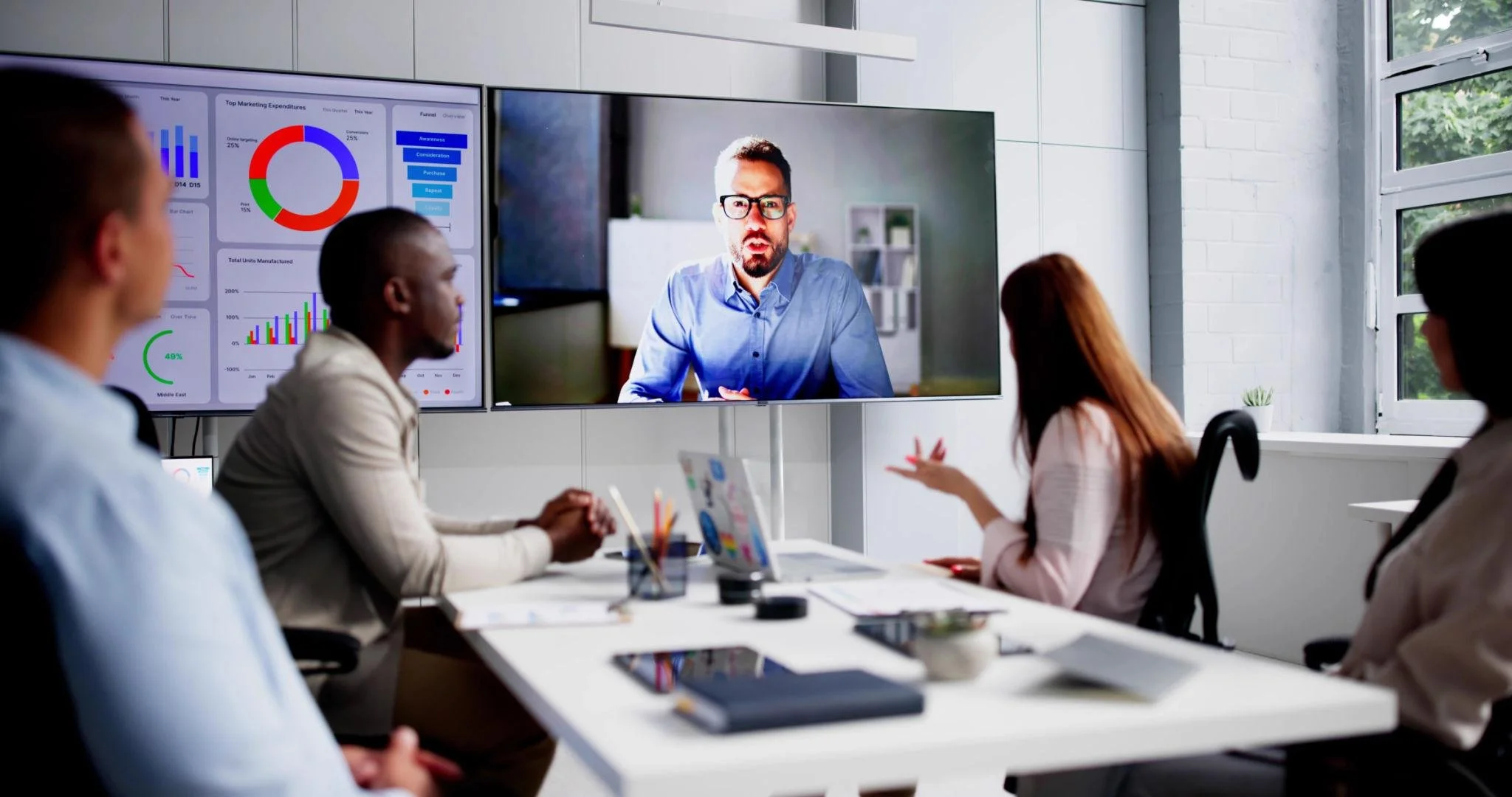
In today’s workplace, audio-visual (AV) technology is no longer a luxury reserved for boardrooms and executive suites. It plays a central role in communication, collaboration, training, and hybrid working. Whether employees are joining meetings remotely, presenting to clients, or sharing information across departments, consistent AV standards help organisations operate efficiently and professionally.
Without clear standards, offices often end up with mismatched equipment, unreliable meeting experiences, and increased support costs. Establishing practical AV standards ensures consistency across rooms, simplifies maintenance, and improves the user experience for everyone.
Here are the essential AV standards every corporate office should adopt.
1. Standardised Meeting Room Technology
One of the most common frustrations in corporate environments is walking into a meeting room and discovering that every space works differently. Different interfaces, cables, and conferencing systems waste time and create confusion.
A standardised approach should include:
The same conferencing platform across all meeting rooms
Consistent touch panel layouts and controls
Uniform display and audio systems
Identical connection methods for laptops and devices
When employees know how to operate one room, they should be able to operate every room. This reduces training requirements and minimises technical issues during important meetings.
2. Reliable Video Conferencing Quality
Hybrid working has made video conferencing essential. Poor audio and video quality can negatively affect productivity and professionalism.
Corporate offices should establish minimum standards for:
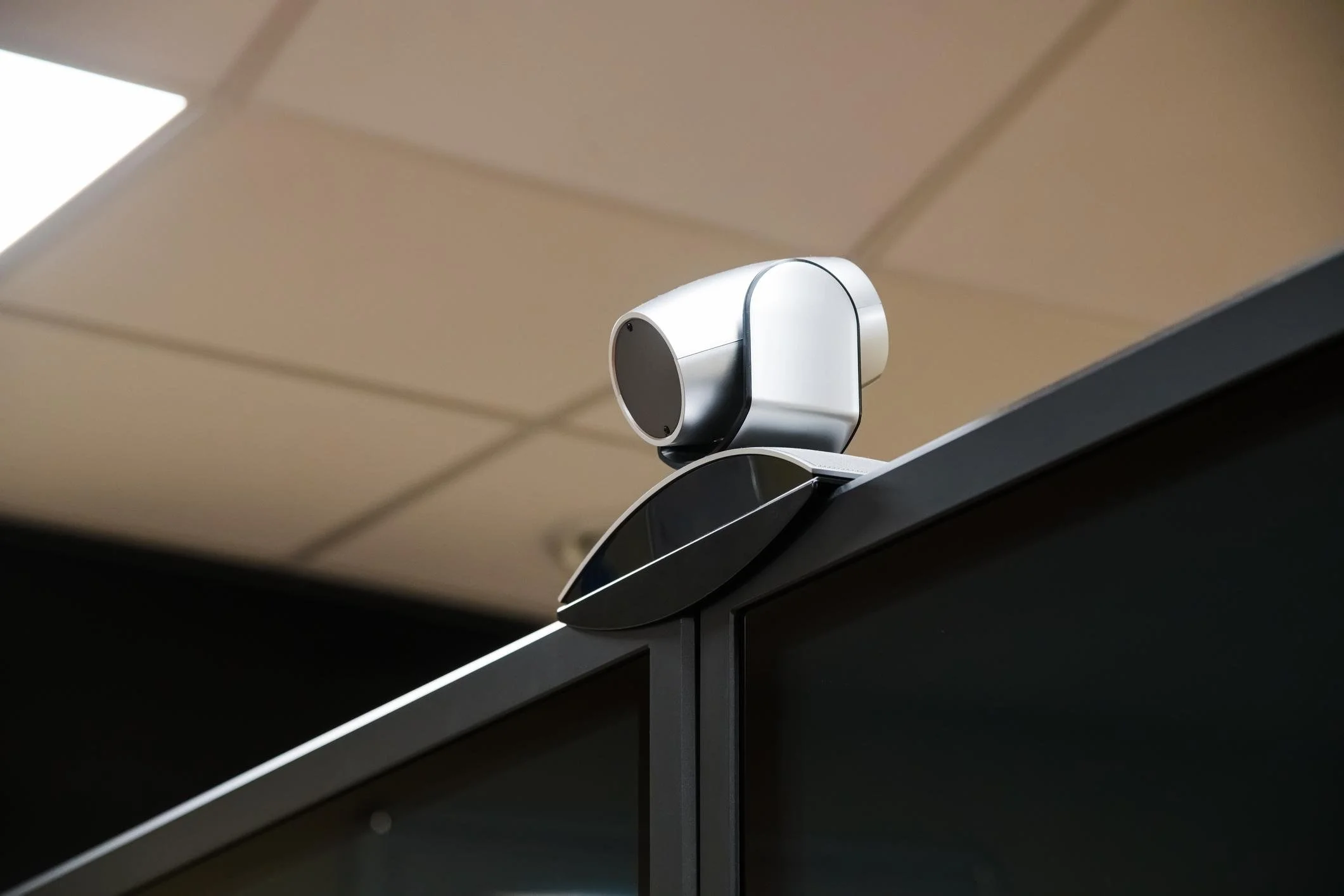
Camera Quality
Full HD or 4K cameras
Auto-framing and speaker tracking where appropriate
Proper camera placement at eye level
Audio Quality
Echo cancellation technology
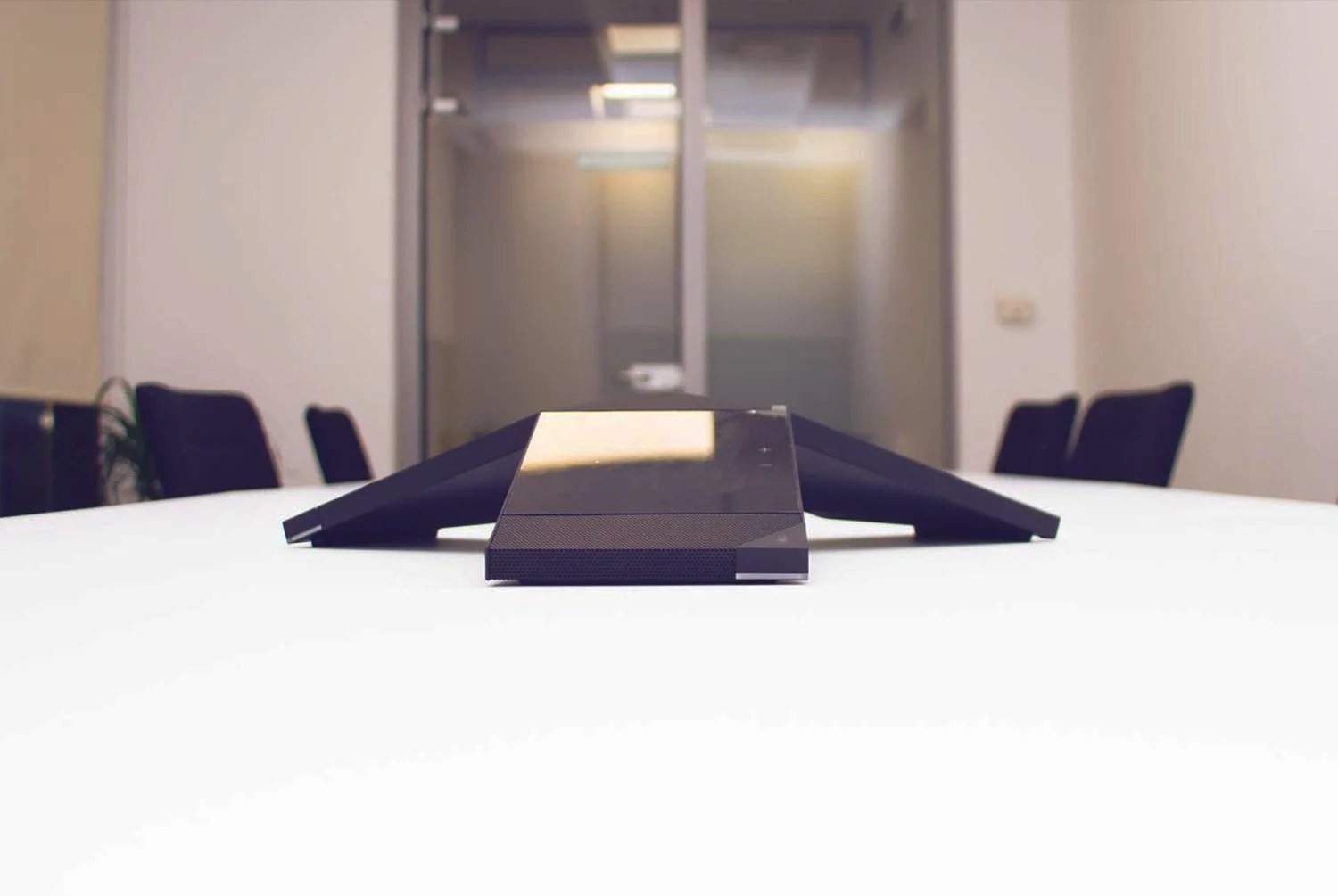
High-quality ceiling or tabletop microphones
Even sound coverage throughout the room
Network Performance
Sufficient bandwidth for video calls
Stable wired or enterprise-grade wireless connections
Network prioritisation for conferencing traffic
Clear communication is critical. Employees should never struggle to hear or be heard during meetings.
3. Display Standards for Clarity and Visibility
Displays are central to presentations and collaboration. Poor visibility can undermine engagement and make meetings less effective.
Corporate AV standards should define:
Minimum screen sizes based on room dimensions
Appropriate display brightness levels
Resolution requirements, preferably 4K
Anti-glare capabilities for brightly lit rooms
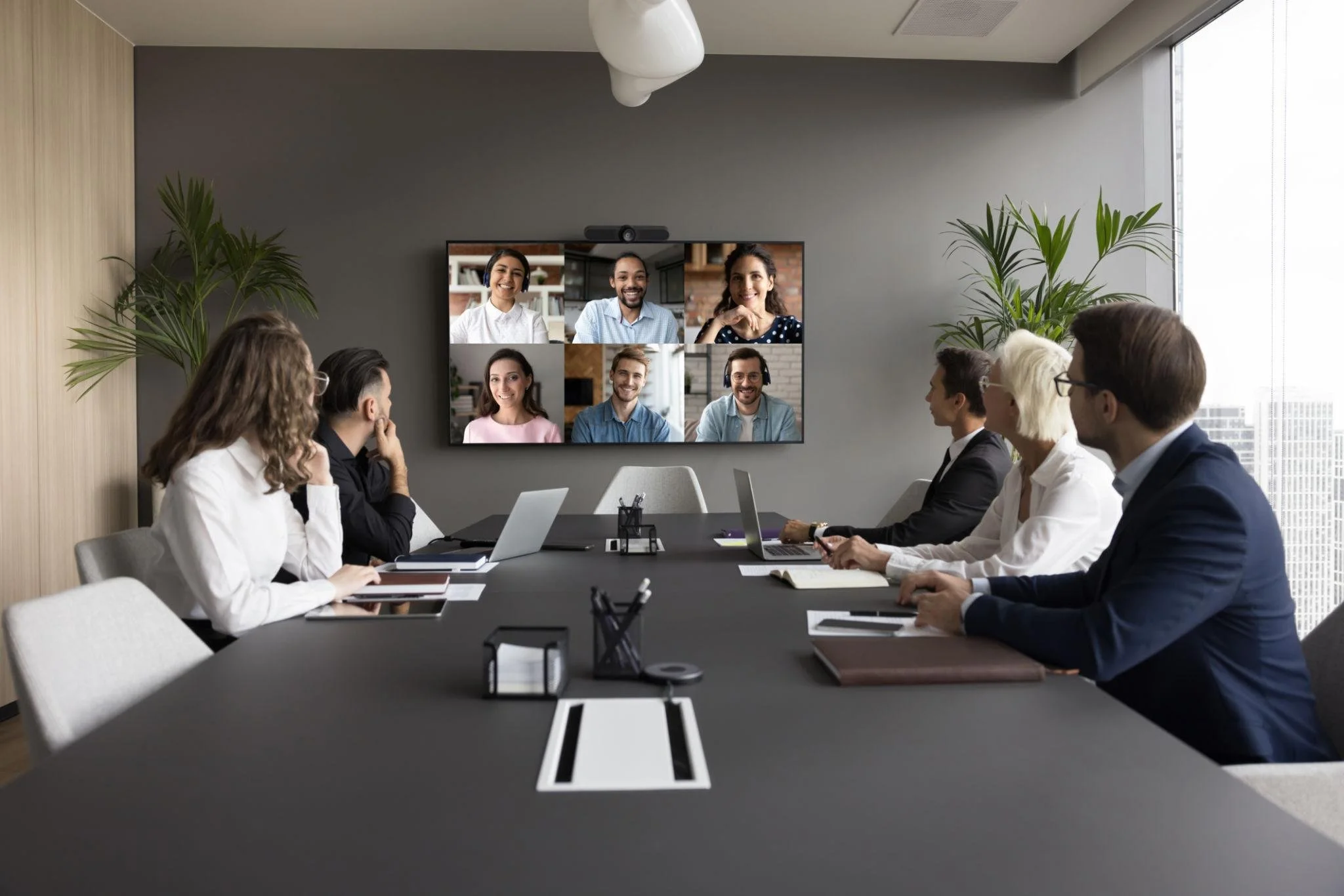
For larger spaces, dual-display configurations can improve collaboration by allowing participants to view presentations and remote attendees simultaneously.

4. Wireless Presentation Capabilities
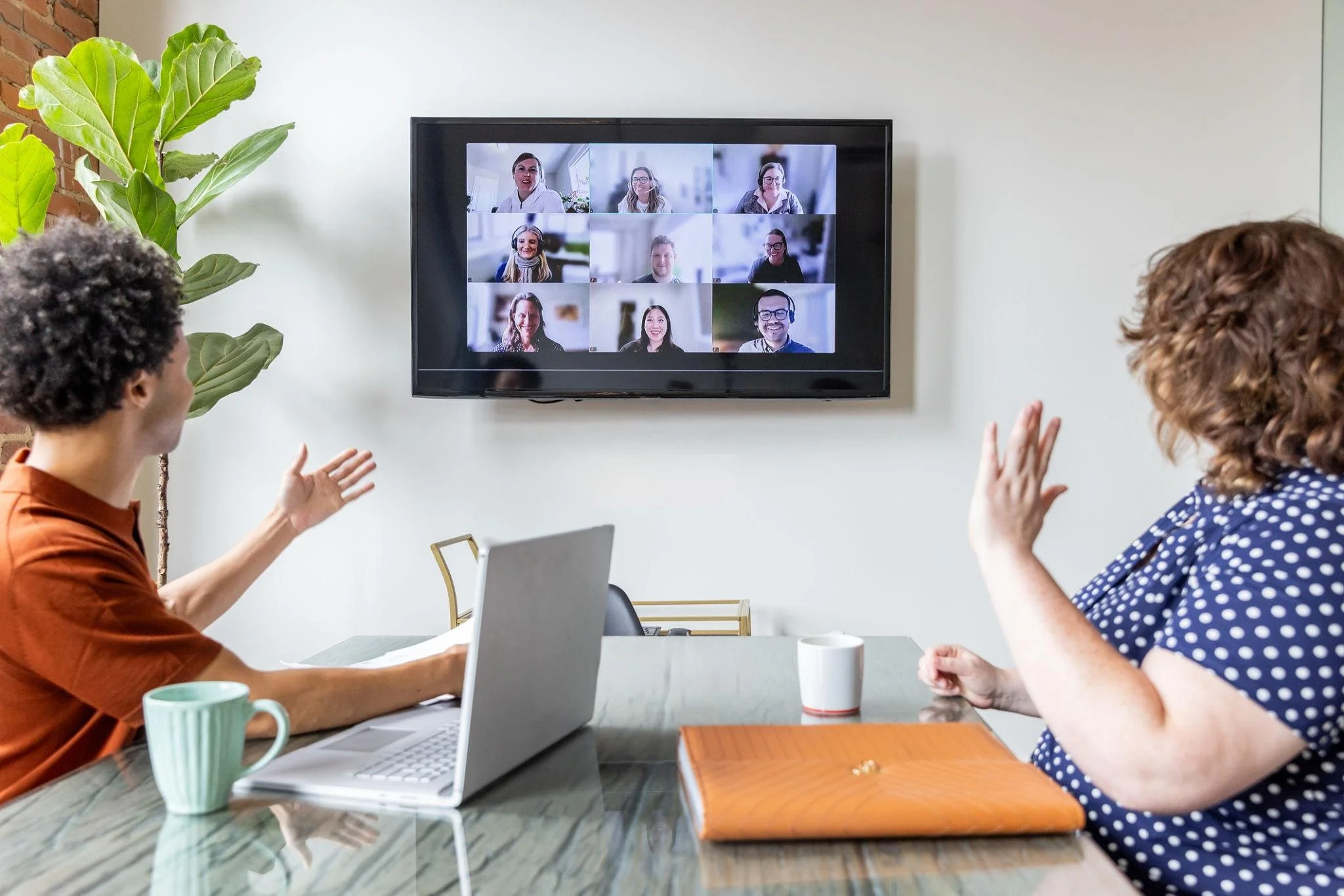
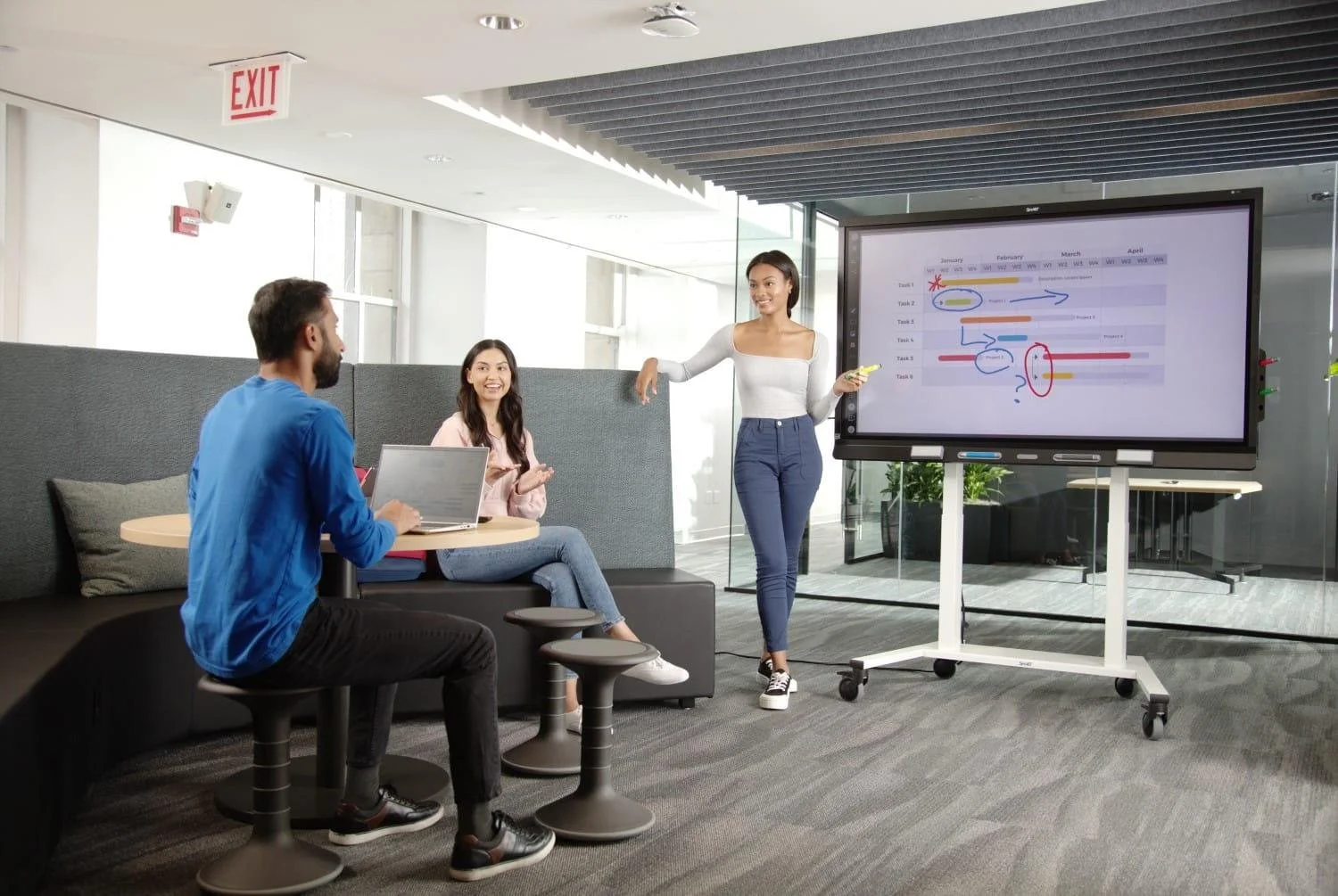
Modern offices need flexible and cable-free presentation solutions. Employees and visitors should be able to share content quickly without searching for adaptors or troubleshooting connections.
Best practices include:
Wireless screen sharing systems
Support for multiple operating systems
Guest-friendly access
Secure content sharing protocols
Wireless presentation technology improves efficiency and creates a cleaner, more modern meeting environment.
5. Consistent Room Acoustics
Even the best microphones and speakers cannot compensate for poor room acoustics. Excessive echo, background noise, and sound reflections can significantly reduce meeting quality.
AV standards should include:
Acoustic treatment in meeting spaces
Noise reduction strategies
Proper speaker placement
Sound masking in open-plan offices where necessary
Creating acoustically balanced spaces improves both in-person and remote communication.
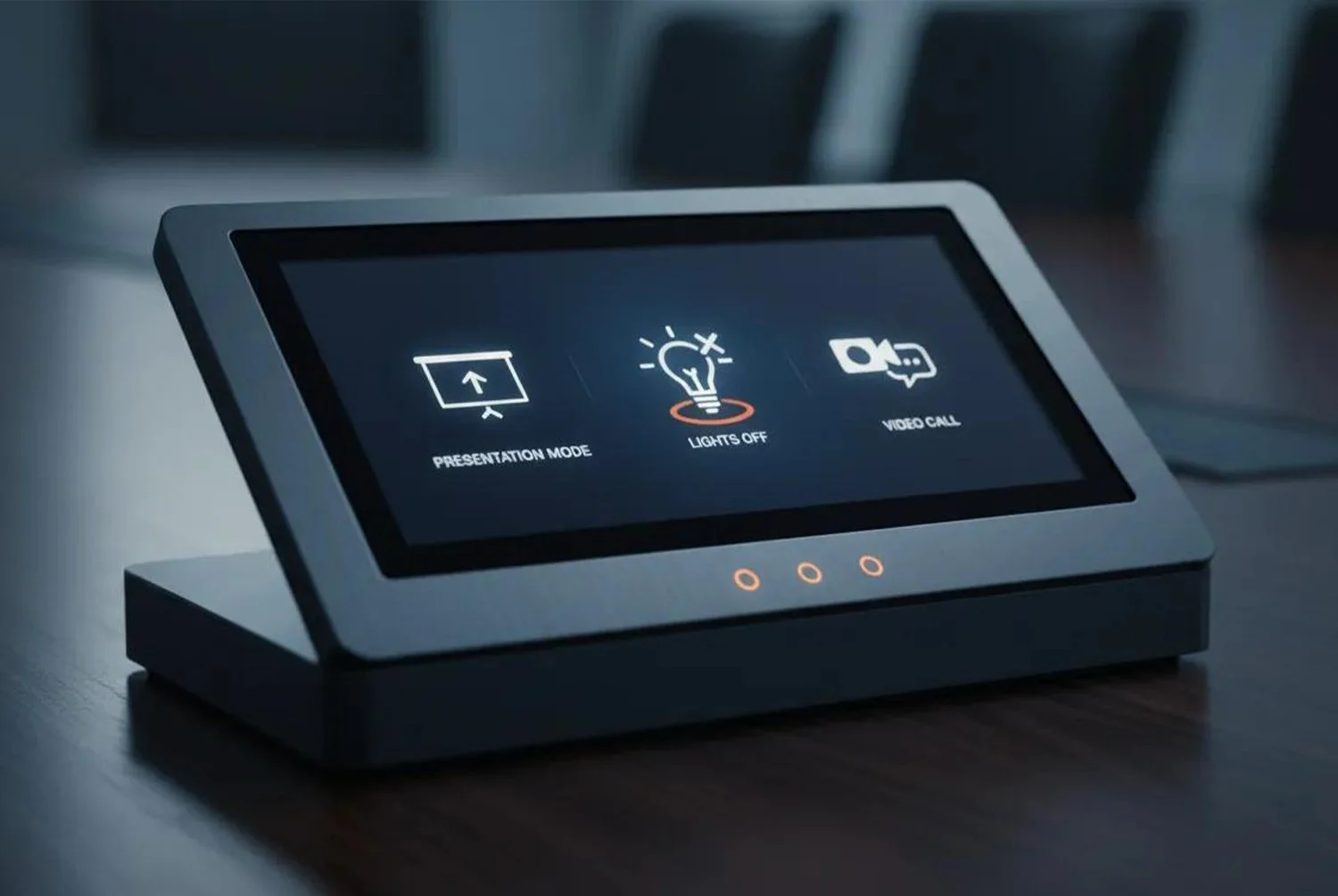
6. User-Friendly Control Systems
Complex meeting room controls create unnecessary delays and frustration. AV systems should be intuitive enough for any employee to use without specialist assistance.
A strong AV standard includes:
Simple touchscreen controls
One-touch meeting start functionality
Automated device switching
Clear labelling and instructions
Ease of use encourages adoption and reduces support calls.
7. Scalable Infrastructure
Technology evolves quickly, and office AV systems should be designed with future growth in mind.
Scalable AV standards help organisations:
Add new devices easily
Upgrade software efficiently
Expand room capabilities over time
Integrate emerging technologies
Structured cabling, modular hardware, and cloud-based management platforms can support long-term flexibility.
8. Security and Data Protection
AV systems are increasingly connected to corporate networks, which means security cannot be overlooked.
AV security standards should cover:
Encrypted communications
Secure wireless sharing
User authentication controls
Regular firmware updates
Restricted administrator access
Meeting rooms often handle sensitive discussions and confidential data, making secure AV infrastructure essential.
9. Accessibility and Inclusivity
Corporate offices should ensure that AV systems are accessible to all employees and visitors.
Important considerations include:
Hearing assistance systems
Captioning support during meetings
Adjustable display settings
Accessible control interfaces
Inclusive AV design creates a more equitable workplace and supports compliance with accessibility regulations.
10. Centralised Monitoring and Support
Managing AV systems across multiple rooms or office locations can become difficult without central oversight.
Centralised AV management allows IT teams to:
Monitor device health remotely
Identify issues before meetings begin
Push software updates efficiently
Analyse room usage and performance
Proactive monitoring reduces downtime and improves reliability across the organisation.
Final Thoughts
Adopting clear AV standards is no longer optional for modern corporate offices. Consistent technology, reliable performance, and user-friendly systems directly affect productivity, collaboration, and employee satisfaction.
By implementing standardised AV practices across meeting spaces, organisations can reduce technical disruptions, simplify support, and create a more professional working environment. As hybrid working continues to evolve, investing in dependable and scalable AV standards will remain a critical part of workplace strategy.
Want to discuss this further?
Our friendly AV experts are here to help:
0113 256 2200