

Top 10 considerations for setting up a professional conference room AV system
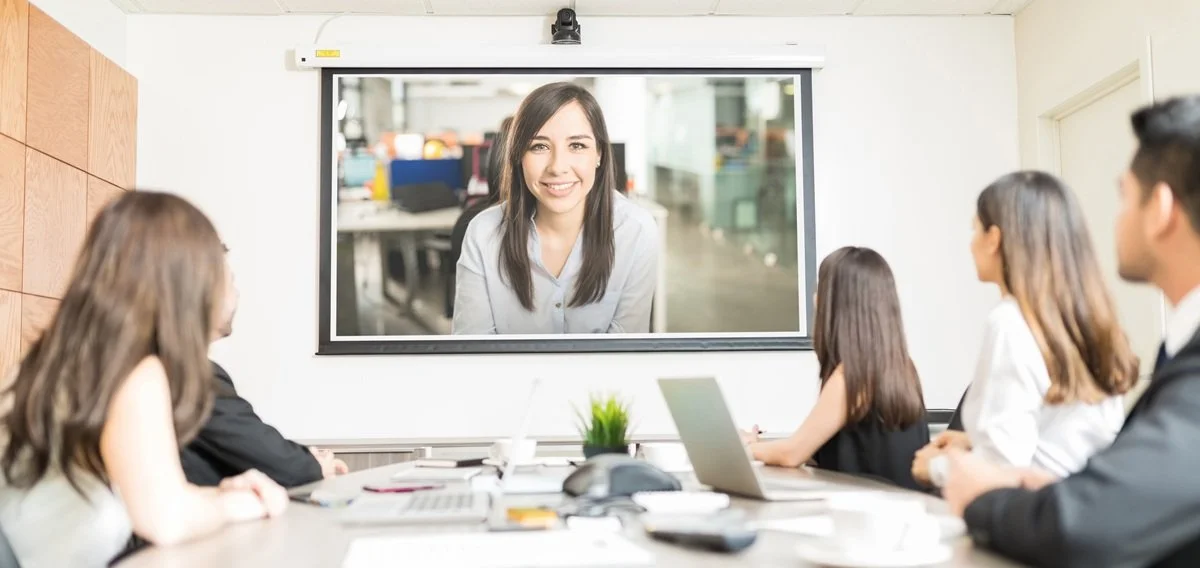
A well-designed audio visual (AV) system is at the heart of any modern conference room. Whether you're hosting client meetings, internal briefings or hybrid video calls, the right setup ensures clear communication, professional presentation and a seamless user experience.
In this guide, we’ll walk through the key components and considerations for setting up a professional conference room AV system.
1. Understand Your Room Requirements
Before purchasing any equipment, assess the room itself:
Room size and layout – A small meeting room requires very different equipment compared to a large boardroom.
Lighting conditions – Natural light can affect screen visibility and camera performance.
Acoustics – Hard surfaces can cause echo, while soft furnishings help absorb sound.
Clearly defining how the room will be used (e.g. video conferencing, presentations, training sessions) will shape your AV choices.
2. Choose the Right Display
Your display is the visual centrepiece of the room. The two main options are:
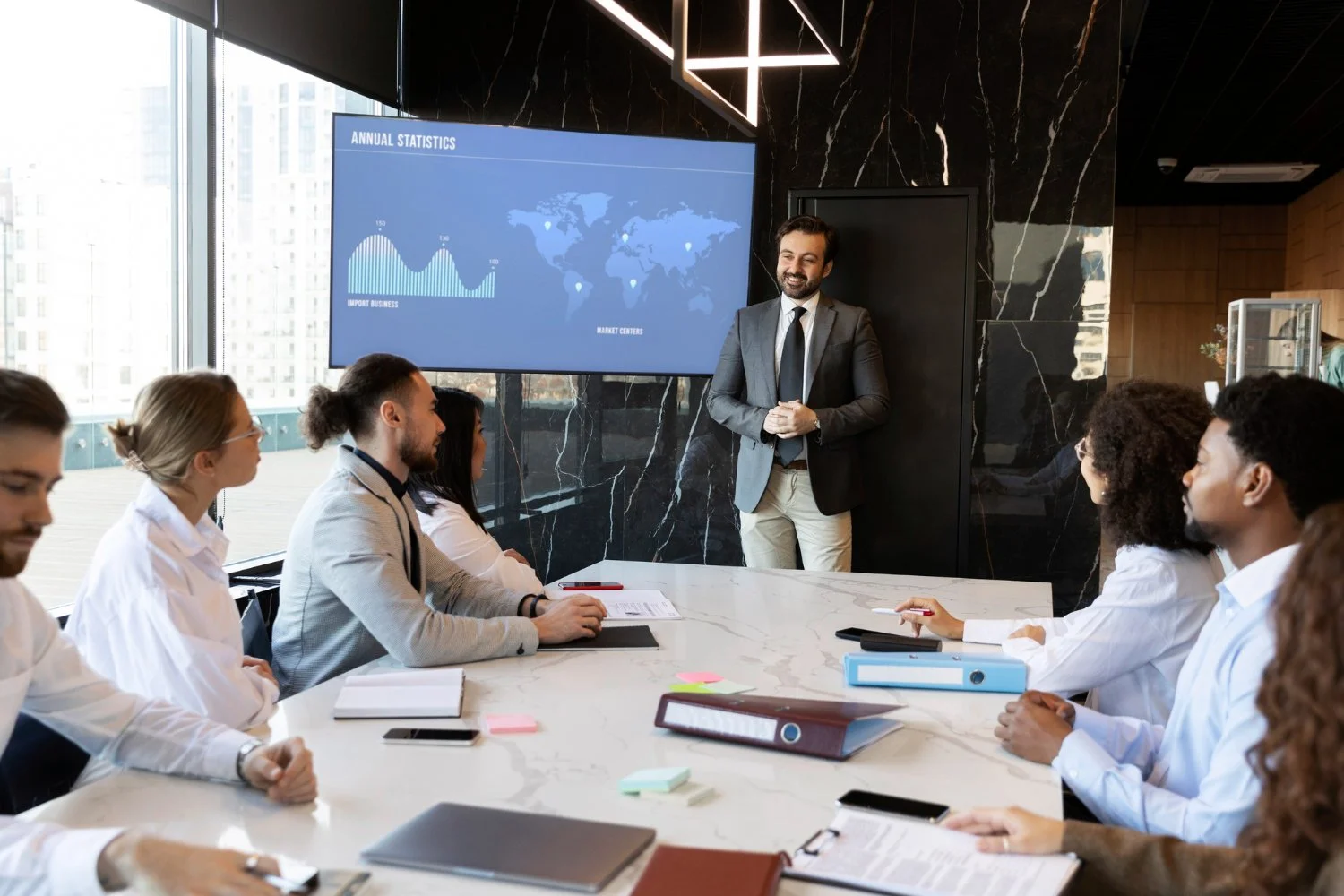
Flat panel displays – Ideal for small to medium rooms; they offer excellent image quality and are easy to install.
Projectors and screens – Better suited for larger spaces where a bigger image is required.
When selecting a display, consider:
Screen size relative to viewing distance
Resolution (4K is increasingly standard)
Brightness, especially in well-lit rooms
3. Invest in Quality Audio
Poor audio is one of the quickest ways to undermine a meeting. A professional setup should include:
Microphones – Ceiling-mounted, table microphones or wireless lapel mics depending on the room setup
Speakers – Evenly distributed to ensure consistent sound throughout the room
Digital Signal Processor (DSP) – Helps manage echo cancellation, noise reduction and audio clarity
Clear, balanced sound ensures everyone can hear and be heard without strain.
4. Select a Reliable Video Conferencing System
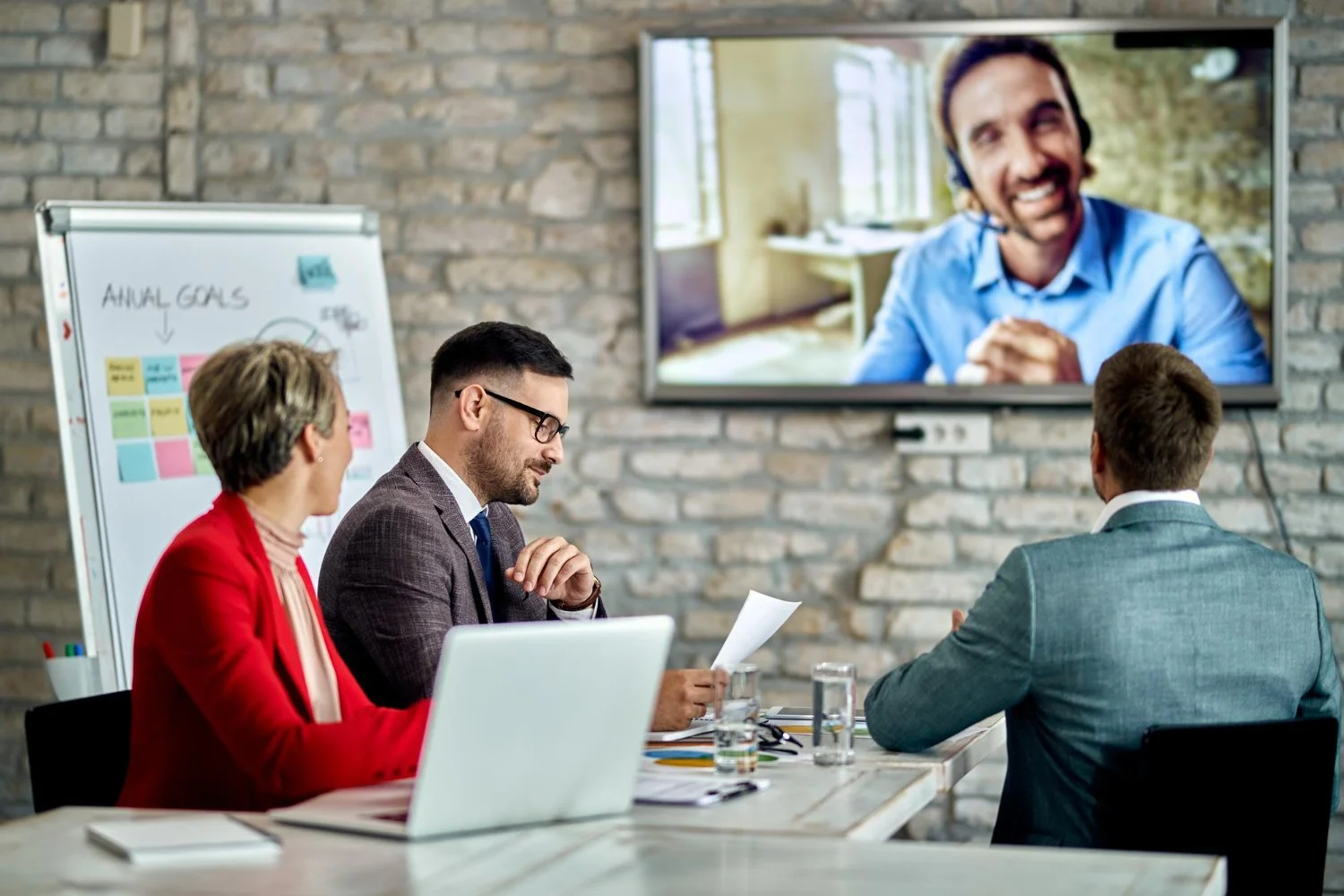
With hybrid working now standard, video conferencing is essential. Your system should include:
High-quality camera – Ideally with auto-framing or speaker tracking
Codec or conferencing software – Compatible with platforms such as Teams or Zoom
Control interface – A simple touch panel to start and manage meetings
Position the camera at eye level for a natural, professional appearance.
5. Implement an Intuitive Control System
A complex system can frustrate users and lead to wasted time. A centralised control system allows users to:
Start meetings with one touch
Adjust volume and lighting
Switch between inputs (laptop, presentation system, video call)
Simplicity is key - anyone should be able to use the room without technical support.
6. Plan Cable Management and Connectivity
Messy cabling not only looks unprofessional but can also cause technical issues. Ensure:
Cables are neatly routed and concealed
Floor boxes or wall plates are easily accessible
Wireless presentation options are available where possible
Providing multiple connection options (HDMI, USB-C, wireless casting) makes the system flexible for different users.
7. Consider Lighting and Room Integration
Lighting plays a significant role in both video quality and overall comfort. Aim for:
Even, diffused lighting to avoid shadows on faces
Minimal glare on screens
Adjustable lighting controls for different meeting scenarios
Integrating AV with lighting and blinds can further enhance the experience.
8. Test and Optimise the System
Once installed, thorough testing is essential:
Check audio clarity from all seating positions
Test video quality and camera angles
Run real-world scenarios (presentations, video calls)
Gather feedback from users and make adjustments where needed.
9. Provide Training and Support
Even the best system can fail if users don’t understand it. Offer:
Quick-start guides in the room
Basic staff training
Ongoing technical support
This ensures the system is used effectively and consistently.
10. Talk to an Expert
When it comes to the professional design, planning and installation of audio visual systems, always consult with an expert.
At AV2000 we’ve been providing bespoke AV solutions for corporate offices and business facilities for over three decades, working with some of the world’s biggest companies to transform their workflows with high performing tech.
From conducting an initial assessment and offering a bespoke recommendation, through to design, planning, delivery and installation, we provide a total service that takes care of all your AV requirements.
See how we can help you too - get in touch today!
Conclusion
Setting up a professional conference room AV system requires careful planning, the right equipment and a focus on user experience. By balancing high-quality technology with ease of use, you can create a space that supports productive, engaging and professional meetings every time.
Whether you're upgrading an existing room or starting from scratch, investing in the right AV setup will pay dividends in communication, collaboration and overall efficiency.
Want to discuss this further?
Our friendly AV experts are here to help:
0113 256 2200